
You control access
Switch groups such as stock, sales or finance on and off for each connection.
Connect an AI assistant to Nookta and ask questions such as “what is low on stock?” or “who owes me the most?”. You choose what it can see, and it can only propose changes.
Download Nookta Free to start. No credit card.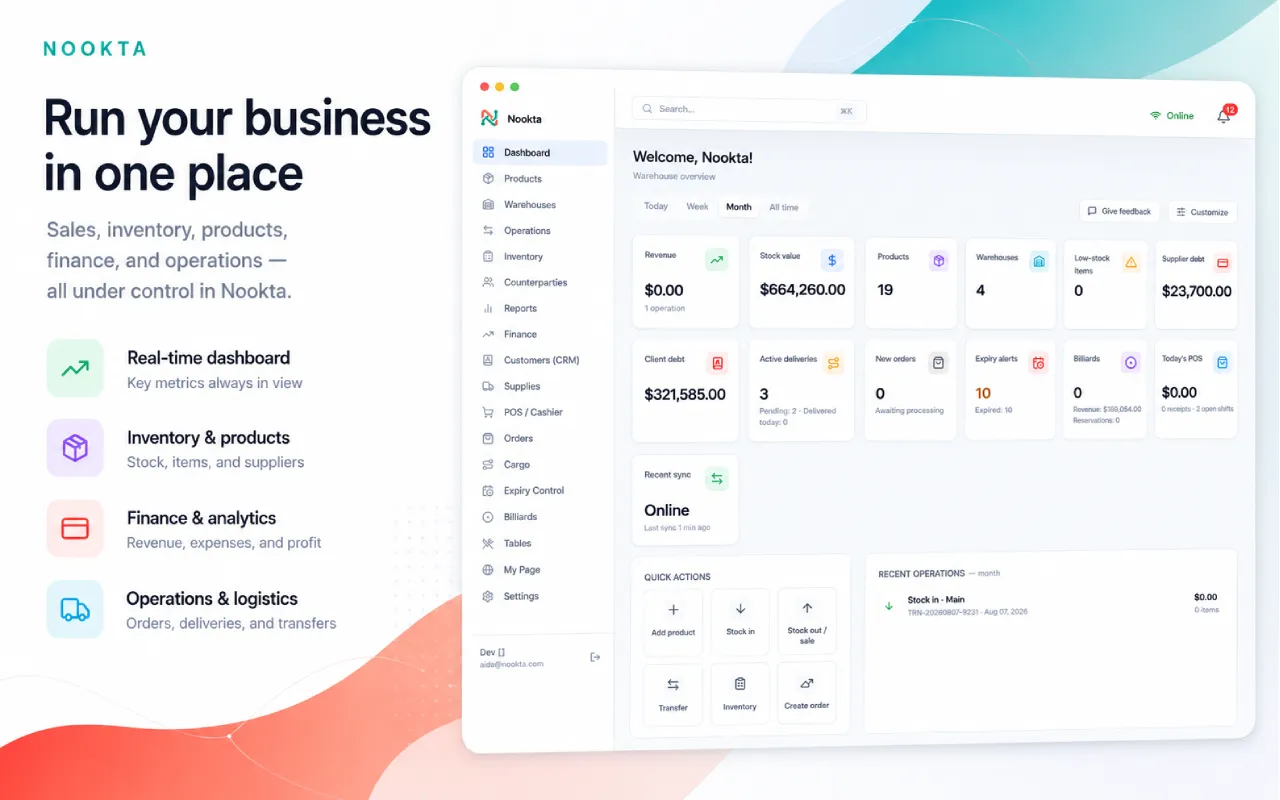
Switch groups such as stock, sales or finance on and off for each connection.
The assistant can suggest a stock-in or a price update, but nothing is applied until you approve it in Nookta.
Copy tested questions for low stock, weekly sales, debts and more.
Assistants that support the MCP standard, such as Claude, ChatGPT or Codex, can connect.
No. It can only file proposals, and you approve or reject each one.